Unlocking AI Potential with Googlebook’s Linux Terminal Preview
Introduction to Googlebook’s Linux Terminal
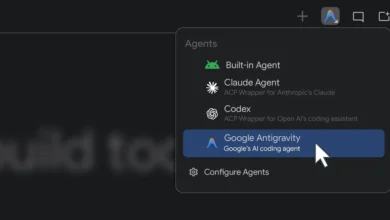
In the evolving landscape of artificial intelligence, having a terminal with command line access is essential for maximizing AI workflows. Googlebook is designed to empower users, regardless of their programming background, by providing a pre-installed Linux terminal that facilitates the use of AI tools.
Features of the Linux Terminal
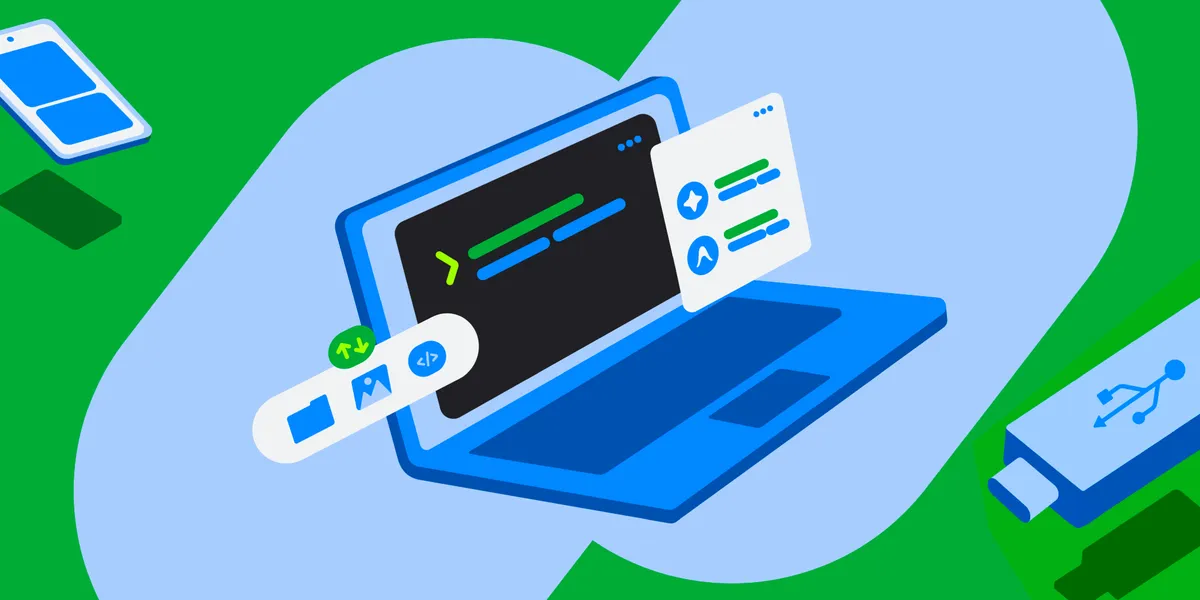
The newly launched Linux terminal, currently in preview, is engineered to support a variety of tasks. Users can install packages, automate processes, and develop applications using simple language prompts. The terminal is a crucial component for those looking to explore agentic AI, as it streamlines the process of interacting with AI tools.
Safety and Security Measures
Understanding the potential risks associated with AI, Googlebook OS incorporates a defense-in-depth strategy. All commands executed in the terminal operate within a secure Linux virtual machine (VM), providing an isolated environment that safeguards the host operating system and user files. This architecture allows users to grant administrative privileges to AI applications while minimizing the risk of system corruption. Users also have control over which directories are accessible to the Linux VM, ensuring that sensitive files remain protected.
Ease of Use and File Management
One of the standout features of the Googlebook terminal is its user-friendly design. A one-click reset option permits users to experiment freely without the fear of losing their data, as files on the host system can be retained. Additionally, users can seamlessly access their Linux files through the Googlebook Files app, making it easy to manage local folders and sync files from their Android devices.
Development Flexibility with Debian Linux
Equipped with a Debian Linux environment, the terminal provides access to a robust ecosystem familiar to many developers. This setup allows for the use of essential command-line tools such as apt, git, and ssh, along with various compilers and runtimes. The Googlebook terminal is optimized for rapid prototyping, web development, and scripting, making it a versatile tool for developers.
Modern Development Support
Googlebook’s Linux terminal supports modern runtimes including Node.js, Python, Ruby, Go, and Rust. This ensures that developers can work with the latest technologies and frameworks. Automatic localhost port forwarding to the host browser enhances the development experience, allowing for efficient testing and deployment of applications.
Future Roadmap and Community Engagement
The team behind Googlebook is committed to enhancing the terminal’s capabilities over time. Future updates will include support for Linux GUI applications, which will be integrated directly into the app launcher, further expanding the terminal’s functionality. Googlebook aims to foster a community of creators and encourages users to share their feedback and experiences.
Conclusion
As Googlebook continues to innovate in the realm of AI and development, it stands at the forefront of a new era in mobile computing. By merging high-performance hardware with a shared Android foundation, Googlebook not only enhances productivity but also opens doors for creative possibilities in agentic development. Users are invited to join this journey and contribute to shaping the future of this exciting platform.
Source for the original facts: Original source.