
Experience Enhanced Driving with Gemini’s Personal Intelligence
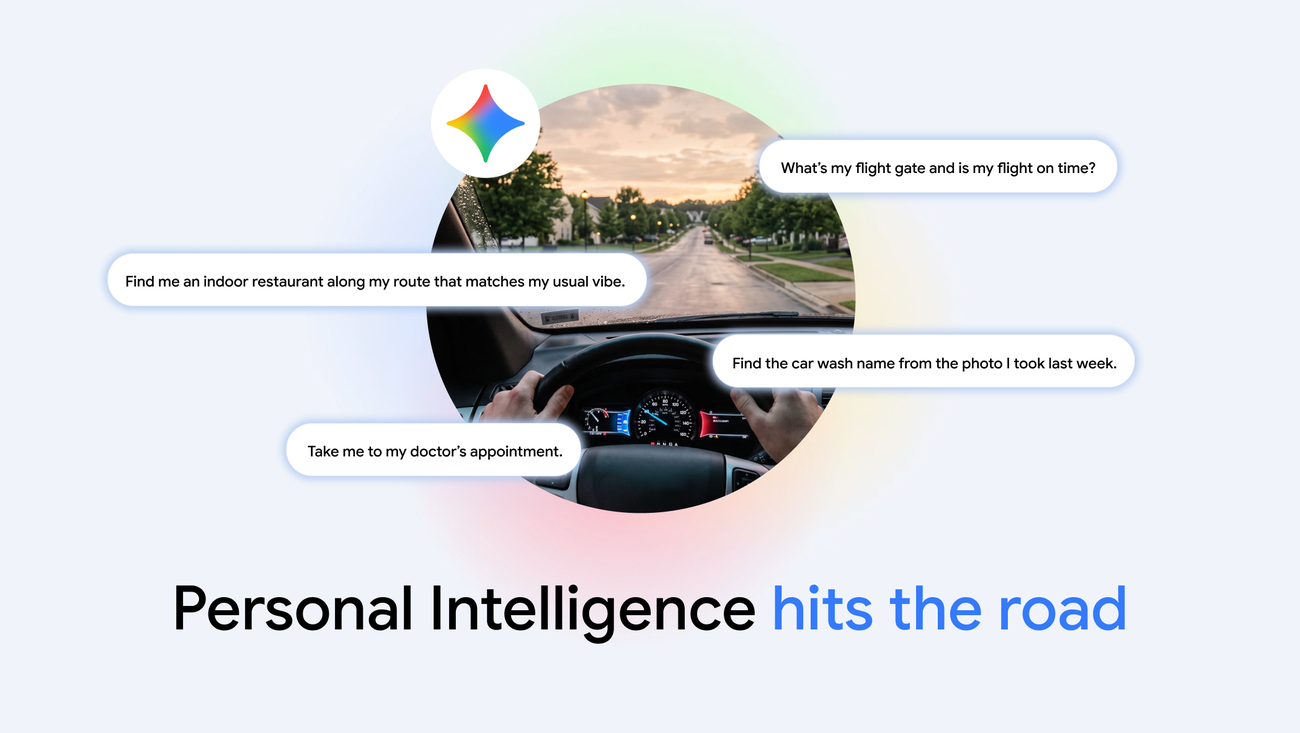
As technology continues to reshape our driving experiences, Gemini is emerging as a game-changer for drivers seeking hands-free assistance. Now available globally on Android Auto and in cars equipped with Google built-in, Gemini offers a seamless way to manage tasks while keeping your focus on the road.
What is Gemini?
Gemini serves as an intelligent assistant that allows drivers to engage with their digital life without taking their hands off the wheel or their eyes off the road. By leveraging Personal Intelligence, Gemini can provide tailored responses to your inquiries, making it a valuable companion during your travels.
Hands-Free Assistance
With Gemini integrated into Android Auto, users can interact with the assistant using natural language. This means you can ask questions or request information without needing to physically interact with your phone. Whether you need directions to a nearby restaurant or want to check your flight gate, Gemini can pull information from various sources like your emails, photos, and maps to deliver precise answers.
Key Features of Gemini
- Personalized Responses: Gemini’s Personal Intelligence feature allows it to access data from your Google apps, including Gmail, Google Calendar, Google Photos, and Google Maps. This integration enables it to deliver uniquely tailored answers based on your preferences and past interactions.
- Privacy Control: Users have complete control over their privacy settings. You can enable or disable Personal Intelligence as needed, ensuring that your information is only shared when you choose to connect your phone to the car.
- Natural Interaction: The assistant is designed to understand and respond to your inquiries in a conversational manner, making it easier to get the information you need without complex commands.
Getting Started with Gemini
To utilize Gemini’s full potential, users need to check their settings within the Gemini app. Opting in to Personal Intelligence will allow the assistant to access the necessary apps and provide tailored responses. If you haven’t enabled this feature yet, you can do so anytime through the settings menu.
Examples of Gemini in Action
Imagine you’re on a road trip and need to find a good restaurant. Instead of sifting through multiple apps, you can simply ask Gemini, “Where can I find a restaurant nearby that serves Italian food?” Gemini will sift through your previous dining preferences and suggest options that match your taste.
Another scenario could involve needing to check your schedule. You could ask, “What time is my next meeting?” and Gemini will retrieve the details from your Google Calendar, helping you stay organized without distraction.
Conclusion
Gemini is not just another digital assistant; it’s designed to enhance your driving experience by providing personalized, context-aware assistance. With a focus on privacy and user control, Gemini ensures that your information is only used to improve your productivity on the road. As it rolls out on Android Auto and other Google-equipped vehicles, drivers can look forward to a smarter, safer way to stay connected while driving.
Source for the original facts: Original source.