Unlocking Learning: Gemini Notebook Expands Access to Textbooks
In an age where digital learning tools are becoming essential, Google has taken a significant step forward by enhancing the Gemini Notebook platform. This initiative aims to provide students with easier access to educational resources, particularly textbooks.
Expanded Access to Educational Materials
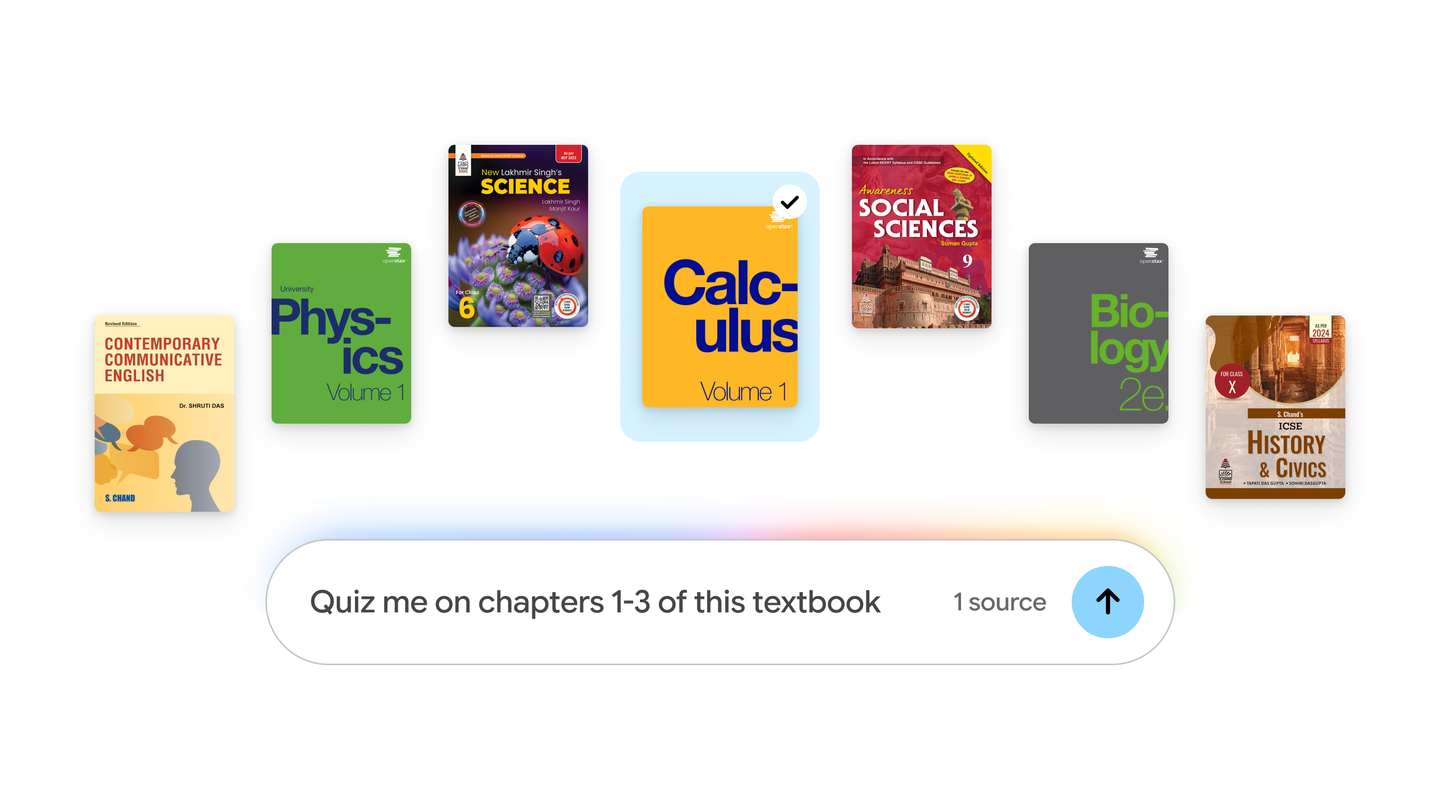
Last month, Google introduced Expert Intelligence, a collaborative effort across its products to facilitate engagement with reliable sources through AI. Following this, Gemini Notebook has expanded its capabilities to include hundreds of textbooks from reputable providers in the U.S. and India. This initiative is particularly beneficial for students who require diverse learning materials without the burden of additional costs.
Textbook Providers and Content Availability
- OpenStax
- Open Textbook Library
- S Chand Publishing
These partnerships mean that students can now access a wide range of textbooks directly within the Gemini Notebook. Users can add these materials at no cost, ensuring that financial barriers do not hinder educational opportunities.
Enhanced Learning Features
One of the standout features of Gemini Notebook is its integration of textbook content into user-friendly formats. Once students add a textbook to their notebook, they can expect:
- Answers grounded directly in the textbook content
- Inline citations for easy reference
- Direct links back to the original sources for further exploration
This structured approach not only helps students find information quickly but also encourages them to engage with the material more deeply.
Creating Custom Study Tools
Beyond simply accessing textbooks, Gemini Notebook allows users to transform the content into a variety of tailored study aids. Students can create:
- Study guides
- Practice quizzes
- Flashcards
This feature supports different learning styles, enabling students to prepare for exams and improve retention effectively.
How to Access Textbooks in Gemini Notebook
To explore and add textbooks, students can follow these simple steps:
- Open your Gemini Notebook.
- Select the “Add sources” option.
- Choose “Textbooks” from the available options.
- Browse the catalog and select the textbooks you wish to add.
This streamlined process ensures that students can efficiently enhance their learning experience with valuable resources.
Conclusion
With the introduction of textbook access in Gemini Notebook, Google is making significant strides in supporting students’ educational journeys. By providing free access to essential learning materials and innovative study tools, Gemini Notebook is poised to become a vital resource for learners everywhere.
Source for the original facts: Original source.