Unlocking the Future: How to Adapt Your Android Games for Car Screens
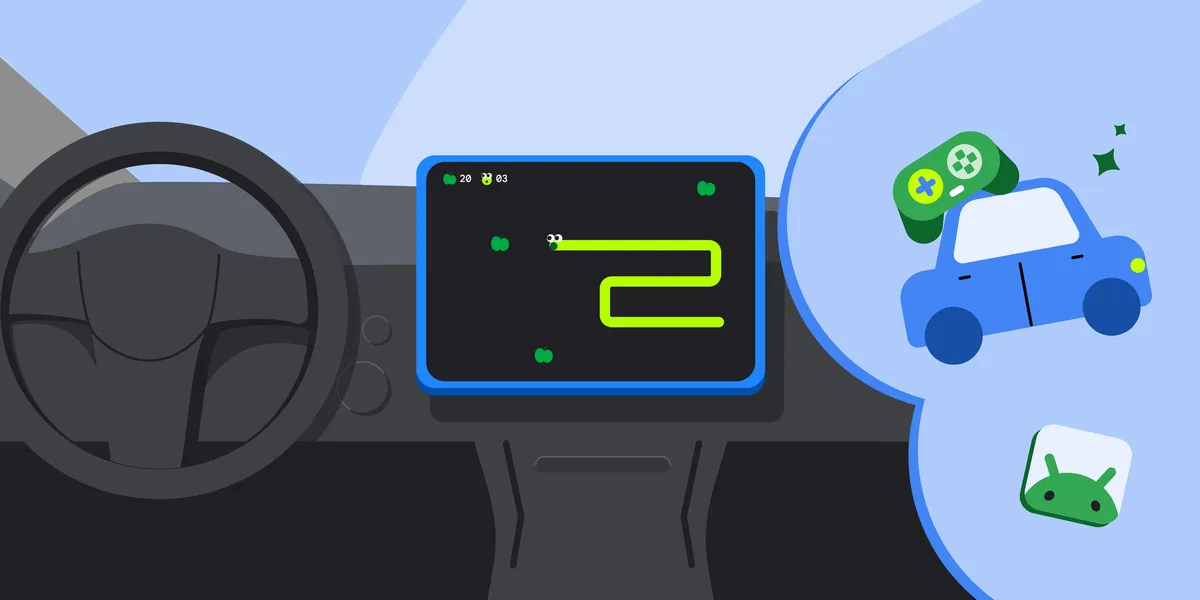
In a significant advancement for mobile gaming, the games category for Android Auto and Android Automotive OS has officially transitioned from beta to general availability. This milestone opens the door for developers to bring their games to users during natural downtime in their vehicles, such as while waiting at charging stations or curbside pickups.
Getting Started with Game Development for Cars
Developers interested in adapting their existing Android games for car screens will find that the process primarily involves configuring the app manifest and ensuring compliance with the vehicle’s parked state. This allows for a seamless experience for users when they are not driving.
Key Requirements for Game Adaptation
To distribute your game under the games category, you’ll need to explicitly declare it in your manifest file. This involves adding the android:appCategory=”game” attribute within the <application> element. For games to function on Android Auto, devices must be running Android 15 or higher. You can declare support for Android Auto by including the relevant intent filter in your manifest file.
- Include android.intent.category.CAR_LAUNCHER in your activity’s intent filter.
- Declare support for Android Automotive OS with the android.hardware.type.automotive element.
- Set the android:required attribute appropriately based on your distribution track.
Ensuring Compliance with Safety Guidelines
Safety is paramount when developing games for vehicles. Games are categorized as parked apps and are not permitted to run while the vehicle is in motion. Android Auto and Android Automotive OS automatically block activities during this time to prevent driver distraction. To comply:
- Do not include the distractionOptimized metadata element in your manifest.
- Ensure that your game’s audio stops when the vehicle is in motion and cannot be resumed until the car is parked.
- Restore the app state as closely as possible when the user relaunches the game.
Enhancing User Experience with Adaptive Design
Car screens come in various shapes and sizes, and it’s essential for your game to be fully adaptive. This means ensuring that it runs full screen without letterboxing or pillarboxing. Developers are encouraged to refer to the guidance on testing against canonical screen sizes and use hardware profiles in the emulator for Android Automotive OS.
Leveraging Gamepad Support
While car screens support touch input, many players prefer using a gamepad for a more engaging experience. If your game supports controller input, declare this in your manifest using the android.hardware.gamepad feature. Set android:required to false to indicate that controllers are optional.
Testing and Publishing Your Game
Once you’ve made the necessary adaptations, you can opt in to Android Auto and Android Automotive OS form factors via the Google Play Console. Before launching your game, it’s crucial to test it against the car app quality guidelines to ensure a smooth user experience.
Utilize the Desktop Head Unit for testing Android Auto compatibility and the Android Automotive OS emulator for an authentic experience. Your game will undergo a review process based on the established quality guidelines before being approved for open testing or production.
With the games category now widely available, there’s no better time for developers to optimize their titles for the automotive environment. For further details on implementation, refer to the documentation available at Build games for cars.
As the ecosystem for Android Auto and vehicles with Google built-in continues to grow, developers are encouraged to take advantage of this opportunity to engage users in new and exciting ways.
Source for the original facts: Original source.