Explore the Latest Android Features: Simplifying Your Daily Life
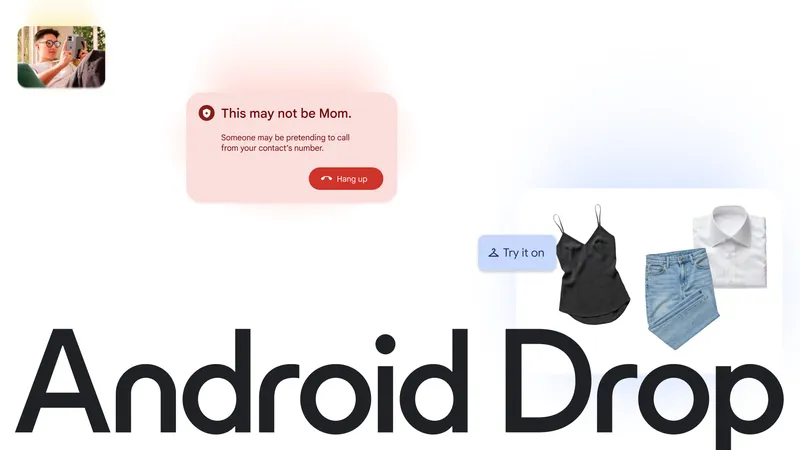
The recent Android update has introduced a variety of innovative features designed to enhance user experience and streamline daily activities. With the September Android Drop, users can now enjoy tools that not only make life easier but also add a touch of personalization to their devices.
Stay Organized with Gemini
One of the standout features in this update is the integration of Gemini, an AI tool that helps you keep track of your belongings. Whether it’s your passport, spare keys, or any other important item, you can now ask Gemini to remember where you placed them. Simply say, “Hey Google, remember in Find Hub that I put my passport in my bedroom drawer,” and Gemini will save the location for future reference.
This feature is particularly useful for items that don’t have a tracker tag. When you need to locate your belongings, just ask Gemini, and it will provide you with the information you need. This functionality is available on Android 16+ devices in supported regions, making it easier than ever to stay organized.
Combat Motion Sickness with Motion Assist
For those who experience motion sickness while traveling, the new Motion Assist feature is a game changer. This tool adds a subtle bubble overlay to your screen that moves in sync with your vehicle, helping to align your visual input with the motion you feel. Users can customize the bubble’s shape, color, and opacity to match their style, making it both functional and aesthetically pleasing.
Motion Assist can be set to activate automatically or added to your Quick Settings for easy access. It’s especially helpful for passengers who want to read, browse, or watch videos without discomfort during their journey.
Collaborate Effortlessly in Google Messages
Collaboration has never been easier with the new features in Google Messages. You can now share and update grocery lists or vacation notes directly within your chat. This integration allows everyone in the conversation to view, edit, and contribute to shared notes without the need to switch between apps.
To start collaborating, simply tap the + icon in Google Messages, and you can bring Google Keep into your discussions. This feature is rolling out now, making it convenient for groups to stay organized and on the same page.
Personalize Your Chats with Custom Themes
In addition to collaboration tools, the September Android Drop also introduces customizable chat themes in Google Messages. Users can choose distinct backgrounds and colors for each chat, allowing for a more personalized messaging experience. Whether you want to set a cozy latte theme for your coffee buddy or a vibrant beach photo for your vacation group chat, the options are endless.
Your text bubbles will automatically match the selected theme, making it a fun way to express your personality while chatting. This feature is now available to enhance your messaging experience.
To explore these new features and see them in action, visit android.com/drop or check out the demo video provided by Google. With these updates, Android continues to evolve, making devices not only more helpful but also more enjoyable to use.
Source for the original facts: Original source.